Installing PHP 8.2 on Ubuntu 24.04
May 31st 2024
Updating ubuntu before installing php 8.2
sudo apt update -y
sudo apt upgrade -y
Install Initial Packages for PHP PPA on Ubuntu
Before adding the PHP PPA, install the necessary packages for secure package handling. These include tools for certificate authentication and software property management.
sudo apt install ca-certificates apt-transport-https software-properties-common lsb-release -y
Adding PHP PPA for Ubuntu
Now, integrate the Ondřej Surý’s PHP PPA into your system. This repository provides the latest PHP versions, surpassing Ubuntu’s default offerings.
Import the repository with this command
sudo add-apt-repository ppa:ondrej/php -y
After adding the PPA, update the package cache to recognize the new source:
sudo apt update
Finally, upgrade any packages that need updating with the following:
sudo apt upgrade
Install PHP 8.2
sudo apt install php8.2 -y
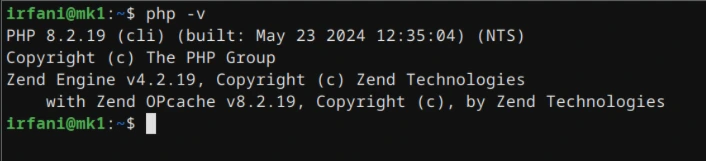
After running the command above, you can check the php version by command bellow
php -v